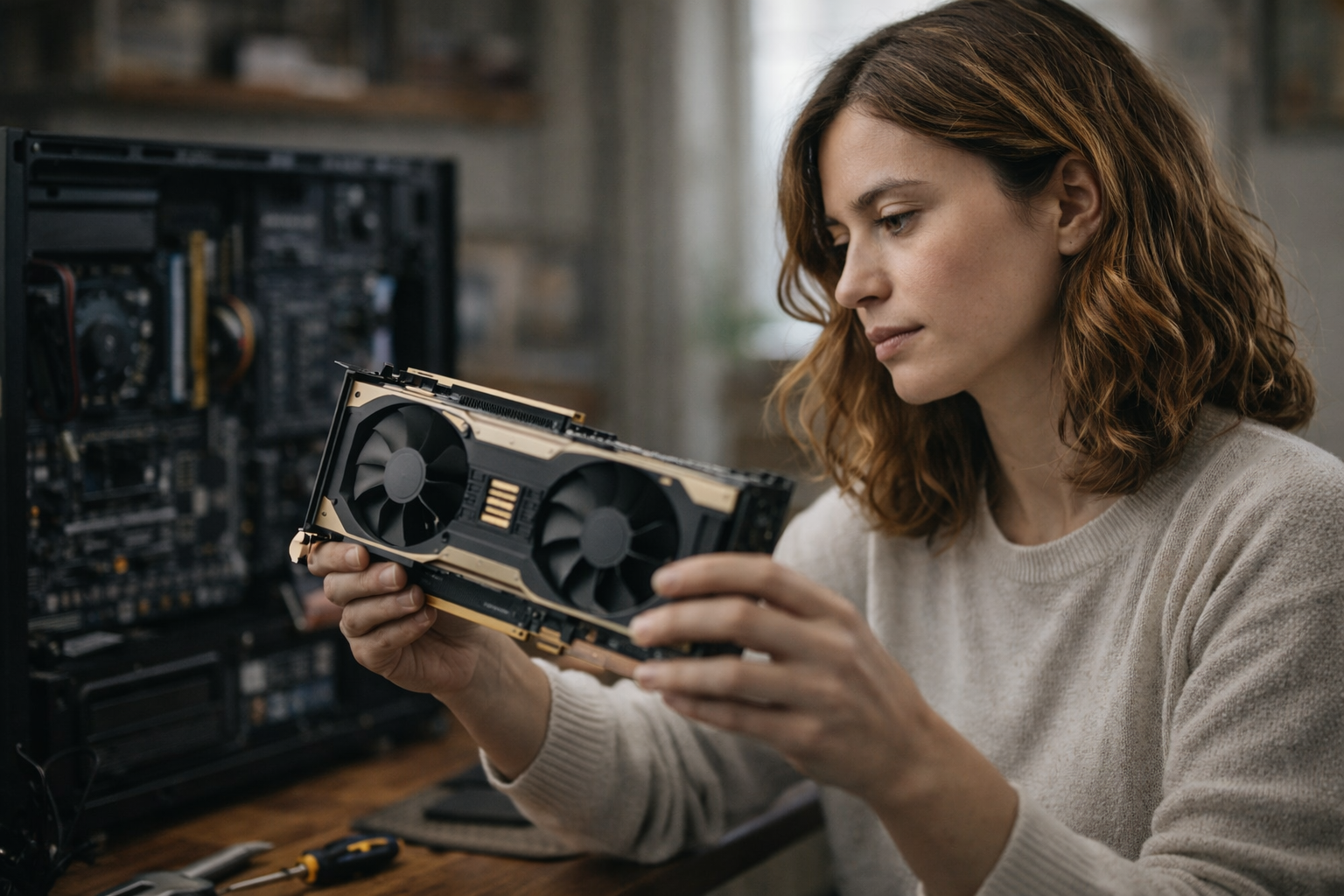

A video card is a hardware component containing a graphics processing unit (GPU) and dedicated video memory (VRAM), originally designed to render graphics to a display device, which is an output device such as a monitor. It is installed into the computer's motherboard, which facilitates communication between the GPU and other system components. This definition explains why the term “video card” persists, even though modern cards do far more than handle video output. Today, a video card functions as a parallel compute engine powering artificial intelligence workloads, scientific simulations, and high-performance rendering alongside traditional graphics processing.
This guide covers video card architecture, component specifications, types, modern applications, and practical access methods. The target audience includes consumers with varying needs for functionality, price, and reliability, as well as developers building ML pipelines, researchers running simulations, gamers seeking performance, and professionals evaluating GPU computing options for their workflows. Understanding what a video card actually is—and isn’t—helps you make informed decisions about hardware investment or cloud GPU access.
Direct answer: A video card equals GPU plus VRAM, designed as dedicated hardware for both graphics and compute-intensive tasks that benefit from parallel processing.
By the end of this guide, you will understand:
- Core video card components and how they determine overall performance
- Differences between integrated GPUs and dedicated graphics cards
- Modern applications beyond gaming, including AI and video editing
- Critical specifications that matter for your specific workload
- Cost-effective access methods that avoid hardware ownership pain
Understanding video card architecture
A video card consists of several interconnected components mounted on a printed circuit board that fits into an expansion slot on a computer’s motherboard. The computer's motherboard provides the data pathways and slots that allow the video card to communicate with other system components, ensuring efficient data transfer and integration with the rest of the system. The core components include the GPU processor, VRAM, cooling system, and power delivery circuitry. Each element directly affects what workloads the card can handle and how efficiently it processes data.
The relationship between these components determines real-world capability. Video cards hold extra video memory specifically for quick access to pixel colors and textures, which is essential for rendering detailed images efficiently. A powerful GPU paired with insufficient video memory creates bottlenecks. Inadequate cooling throttles performance under sustained loads. Understanding this architecture helps you interpret specifications beyond marketing numbers.
Graphics processing unit (GPU)
The graphics processing unit GPU serves as the computational heart of any video card. Unlike a CPU optimized for sequential processing of complex tasks, a GPU contains thousands of smaller cores designed for simultaneous calculations. This parallel architecture excels at operations that can be split into many independent threads—rendering pixels across a screen, multiplying matrices for neural networks, or simulating particle systems.
Modern GPU technology has evolved beyond graphics processing into general-purpose computing. The same architecture that accelerates gaming frame rate improvements now powers machine learning training, where tensor cores perform mixed-precision calculations at speeds impossible for traditional processors. NVIDIA’s CUDA ecosystem and AMD’s ROCm platform provide software layers that let developers harness this parallel processing power for non-graphics workloads.
Video random access memory (VRAM)
Video memory is high-bandwidth RAM dedicated exclusively to the GPU, providing quick access to textures, frame buffers, and computational data without competing with system RAM. This dedicated memory capacity matters critically for AI workloads that load large models, high-resolution graphics that require substantial texture storage, and video editing projects handling 4K or 8K footage.
VRAM bandwidth—measured in GB/s—often becomes the limiting factor before raw compute power. Modern cards use GDDR6 or GDDR6X memory with effective clock rates between 2 and 15 GHz, delivering bandwidth that general system memory cannot match. GDDR stands for Graphics Double Data Rate memory, which is specifically designed for GPU usage and offers superior bandwidth compared to traditional RAM. GDDR memory is used in many different types of applications due to its high bandwidth and ability to handle more data efficiently, making it ideal for diverse GPU workloads such as gaming, scientific modeling, and AI tasks. For AI inference and training, VRAM size determines maximum model complexity you can run without performance-killing memory swaps.
How these components work together determines video card capabilities across different applications.
Video card types and modern applications
Video cards exist across a spectrum from basic integrated solutions to high end graphics cards designed for professional compute workloads. The type you need depends entirely on what tasks you’re running and what performance level you require.
Integrated vs dedicated video cards
Integrated GPUs share the processor chip and system RAM with the CPU, built directly into personal computers without separate hardware. Intel HD Graphics and AMD integrated solutions handle basic display output, light video editing, and older games adequately while consuming minimal power. However, they cannot match dedicated hardware for demanding graphics or compute tasks because they lack dedicated VRAM and compete with other components for memory bandwidth.
Dedicated graphics cards provide their own GPU, VRAM, power delivery, and cooling system as separate hardware. This independence from system RAM and the CPU’s thermal envelope enables substantially higher performance. For workloads involving complex graphics, AI training, or professional video editing, dedicated graphics cards are essentially mandatory.
Consumer vs professional grade
Consumer cards like the RTX 4090 and RTX 5090 target gaming and content creation with drivers optimized for graphics quality and frame rate in popular titles. These cards are designed to meet the needs of consumers with varying budgets and requirements, offering features and value propositions tailored for general users. The graphics card industry has also seen a shift in focus towards the gaming and enthusiast market, resulting in increased sales of high-end graphics cards. These cards offer excellent price-to-performance for many compute workloads despite their consumer focus.
Professional cards include workstation-focused options with certified drivers for CAD applications, simulation software, and data center deployments. The hardware often shares architecture with consumer equivalents, but driver optimization, error correction features, and support contracts differ. For most AI and rendering workloads, high end cards from consumer lines deliver comparable compute performance at lower cost.
Modern compute applications
Video cards now serve as the primary accelerators for artificial intelligence training and inference. Large language models, image generators, and recommendation systems rely on GPU parallel processing to handle the massive matrix operations these workloads require. Tensor cores and mixed-precision support directly affect training speed and model complexity you can run.
Scientific simulation leverages the same parallel architecture for molecular dynamics, climate modeling, and physics calculations. Video rendering and content creation workflows from color grading to 3D animation rely on GPU acceleration. Video cards also enable users to play games in high resolution and create animations, making them essential for gaming and multimedia applications. The popularity of video games in the 1990s was a major driver of advancements in graphics technology and GPU capabilities. These applications share a common need: moving large amounts of data through parallel compute pipelines efficiently.
Performance depends on specific hardware specifications that match your workload requirements.
Performance factors and access methods
Video card specifications translate into real-world performance differently depending on your workload. Gaming prioritizes different factors than AI training, which differs again from video editing requirements. Understanding which specifications matter for your use case prevents overspending on irrelevant features.
Critical performance specifications
Key factors that determine video card suitability for different tasks include:
VRAM capacity and bandwidth often limit performance before GPU compute power becomes the bottleneck. AI models must fit in video memory to run efficiently. High-resolution graphics require more texture storage. Bandwidth determines how quickly data moves between memory and processing cores.
Tensor cores and mixed-precision support matter critically for deep learning performance. These specialized units accelerate the matrix operations that dominate neural network training, delivering order-of-magnitude improvements over general GPU cores for supported workloads.
CUDA cores and compute units represent the parallel processing power available for general GPU computing. More cores generally mean faster processing, but architecture differences between generations affect real-world results.
Power consumption and cooling requirements determine whether a card fits your computer case, what power supply you need, and whether the cooling system can sustain performance under load. High end cards often require heat sinks with multiple fans and direct power delivery from the PSU via 6-pin or 8-pin connectors.
Access and deployment options
Cost-effective cloud GPU access
Modern alternatives to hardware ownership eliminate upfront investment while providing on-demand access to high end graphics cards. Compute with Hivenet offers GPU services including RTX 4090 instances at €0.20/hr and RTX 5090 instances at €0.40/hr.
Unlike hyperscaler offerings, Hivenet provides full dedicated VRAM with no slicing or hidden sharing between users. Instances run as on-demand or persistent usage rather than interruptible-by-default spot instances. Public book-now pricing eliminates bidding complexity, and transparent per-second billing means you pay only for actual compute time.
Common barriers to video card access have practical solutions through these alternatives.
Common challenges and solutions
Practical barriers prevent many users from accessing video card compute power effectively. Hardware costs, resource waste, setup complexity, and availability limitations each have solutions worth considering.
High hardware costs and depreciation
Buying a high-end video card requires significant capital that depreciates rapidly as new architectures release. An RTX 4090 purchased today loses substantial value within 18 months. On-demand cloud GPU services eliminate upfront investment entirely, converting capital expenditure into operational costs that match actual usage.
Underutilization and resource waste
Owned hardware sits idle between compute bursts, representing wasted investment. Development workflows often need GPUs for training runs or rendering jobs, then nothing for days. Pay-per-use models through Hivenet match costs to actual usage patterns—rent for the hours you need, pay nothing when idle.
Complex setup and maintenance
Installing drivers, configuring operating systems for GPU access, managing CUDA versions, and maintaining cooling systems consume time better spent on actual work. Pre-configured cloud instances with ML frameworks eliminate setup friction, providing immediate access to ready-to-use environments.
Quota limitations and availability
Hyperscaler clouds impose quotas, require approval processes, and use spot pricing that can interrupt workloads mid-execution. Hivenet’s distributed infrastructure offers transparent, book-now availability without bidding games or interruptible instances by default. When issues arise, you can actually reach support.
Video cards have become accessible compute resources through these alternatives.
Conclusion and next steps
A video card is a GPU plus VRAM—hardware that evolved from graphics rendering into a general-purpose parallel compute engine. This definition captures both the historical origins (hence “video” in the name) and modern reality where the same architecture powers gaming, AI training, scientific simulation, and professional content creation.
Immediate next steps:
- Assess your workload requirements: VRAM needs, compute intensity, and usage duration patterns
- Calculate total cost of ownership for hardware versus cloud access given your specific usage profile
- Consider Hivenet’s on-demand GPU services if you need high-end compute without hardware ownership pain
Related topics worth exploring: GPU computing fundamentals for developers, AI infrastructure planning for teams, and distributed cloud services that provide quality and predictability without hyperscaler complexity.
Frequently asked questions (FAQ)
What is a video card?
A video card, also known as a graphics card or graphics adapter, is a hardware component that contains a graphics processing unit (GPU) and dedicated video memory (VRAM). It processes and renders visual information, converting data into images displayed on monitors or other output devices.
How does a video card differ from integrated graphics?
Integrated graphics are built into the CPU or motherboard and share system RAM, while video cards are dedicated hardware with their own GPU and VRAM. Dedicated video cards provide superior graphics quality and performance, especially for complex graphics, gaming, and compute-intensive tasks.
What types of video cards are available?
There are integrated GPUs, entry-level dedicated video cards, and high-end graphics cards. Integrated GPUs handle basic tasks, entry-level cards support moderate gaming and multimedia, and high-end cards are designed for demanding applications like 3D rendering, AI workloads, and professional video editing.
What is VRAM and why is it important?
VRAM (Video Random Access Memory) is the dedicated memory on a video card that stores textures, frame buffers, and other graphical data. Having sufficient VRAM is crucial for handling high-resolution images, complex textures, and large datasets efficiently without bottlenecks.
Can I use a video card with my laptop?
Many laptops come with integrated GPUs, but some support dedicated graphics cards or external GPUs (eGPUs) connected via ports like Thunderbolt. eGPUs can significantly boost graphics performance on compatible laptops.
What are common video output ports on a video card?
Popular video output ports include HDMI, DisplayPort, DVI, and VGA. Some modern video cards also feature USB-C ports with DisplayPort alternate mode for versatile monitor connections.
How do I install a video card?
For desktop PCs, video cards are installed into a PCIe slot on the motherboard. After securing the card and connecting necessary power cables, you connect your monitor to the card’s output port and install appropriate drivers.
What factors should I consider when buying a video card?
Consider your workload requirements such as gaming, professional rendering, or AI training. Key factors include GPU power, VRAM capacity, power consumption, cooling system, compatibility with your system (e.g., PCIe slot size), and budget.
Can video cards be used for tasks other than gaming?
Yes, modern video cards accelerate many tasks beyond gaming, including video editing, 3D animation, scientific simulations, artificial intelligence, and cryptocurrency mining, thanks to their parallel processing capabilities.
What is the difference between a graphics adapter and a video adapter?
Both terms refer to hardware components responsible for processing and outputting visual information. "Graphics adapter" often emphasizes the processing aspect, while "video adapter" highlights the role in sending video signals to output devices. They are generally used interchangeably.
How does a video card affect overall computer performance?
A dedicated video card offloads graphics processing from the CPU, freeing system resources and improving performance in graphics-intensive applications. It also reduces memory bus contention by using its own VRAM.
What is the role of the cooling system in a video card?
The cooling system, which may include heat sinks and fans, prevents overheating during intensive use. Proper cooling ensures stable performance and prolongs the lifespan of the video card.
Are external GPUs (eGPUs) effective?
External GPUs connect to laptops or small form-factor PCs via high-speed ports like Thunderbolt, providing desktop-level graphics performance. They are a practical solution for users needing more graphics power without replacing their entire system.
How much power does a video card consume?
Power consumption varies widely by model and workload. High-end cards may require additional power connectors and robust power supplies. Cooling solutions must also accommodate this power usage to maintain safe operating temperatures.
Can video cards support multiple monitors?
Yes, most modern video cards support multiple monitor setups through various output ports, allowing users to extend or duplicate their desktop across several displays.
What is PCIe slot and why is it important?
PCIe (Peripheral Component Interconnect Express) is the expansion slot on the motherboard where the video card is installed. The version and number of lanes of the PCIe slot affect data transfer speeds between the card and the system.
How do video cards handle audio output?
Many video cards include integrated audio processors that can transmit audio signals alongside video through HDMI or DisplayPort connections, enabling sound output on compatible monitors or TVs.
Can video cards improve frame rates in games?
Yes, video cards directly impact gaming performance by rendering frames quickly and efficiently. A more powerful GPU can increase frame rates, resulting in smoother gameplay and better graphics quality.
What is the difference between consumer and professional video cards?
Consumer cards prioritize gaming and general multimedia performance with drivers optimized for popular titles. Professional cards are designed for stability and accuracy in CAD, simulation, and content creation applications with certified drivers and enhanced features.
How do I update my video card drivers?
Drivers can be updated by downloading the latest versions from the GPU manufacturer’s website (e.g., NVIDIA or AMD). Keeping drivers current ensures compatibility, security, and performance improvements.
What is the lifespan of a video card?
A video card’s lifespan depends on usage, cooling, and technological advancements. Typically, high-end cards remain effective for 3-5 years before newer software demands or hardware innovations necessitate upgrades.
Can I use multiple video cards in one system?
Some systems support multi-GPU configurations using technologies like NVIDIA SLI or AMD CrossFire, allowing multiple cards to work together for increased performance. However, support for multi-GPU setups is less common in modern games and applications.
How do video cards contribute to artificial intelligence workloads?
Video cards accelerate AI by performing parallel matrix computations essential for training and inference in machine learning models. Specialized cores and software frameworks like CUDA enable efficient AI processing.
What should I do if my video card overheats?
Ensure your computer case has adequate ventilation, clean dust from fans and heat sinks, verify that the cooling system is functioning properly, and consider upgrading cooling solutions if necessary to prevent thermal throttling or damage.
Are there video cards designed specifically for cryptocurrency mining?
Yes, some manufacturers produce mining-specific cards optimized for continuous operation without video output ports. These cards focus on hashing performance and durability for mining workloads.
